
• Welcome to MacanEVowners! If you're joining us from Taycanforum.com, then you may already have an account here.

    If you were registered on Taycanforum as of January 24, 2024 or earlier, then you can simply login here with the same username and password

    If you wish, you can remove your account here.
Sponsored

JayGT4

Macan 4S
Well-Known Member
Joined
Jul 11, 2018
Threads
23
Messages
64
Reaction score
160
Location
CA
Vehicles
GT4 / Taycan Turbo
Country flag
Saw this posted by @jpleite on Taycanforum and looks really interesting...


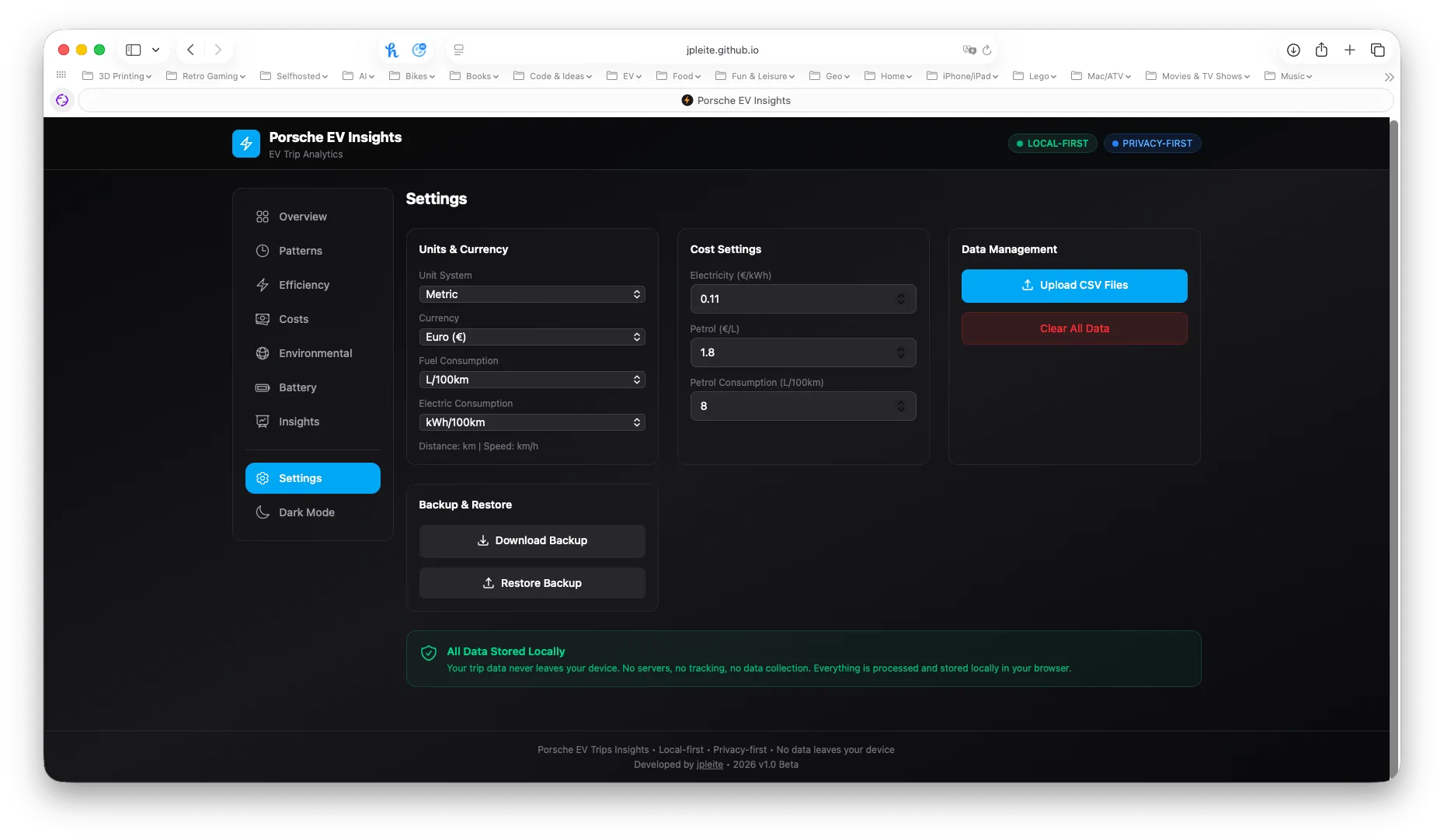
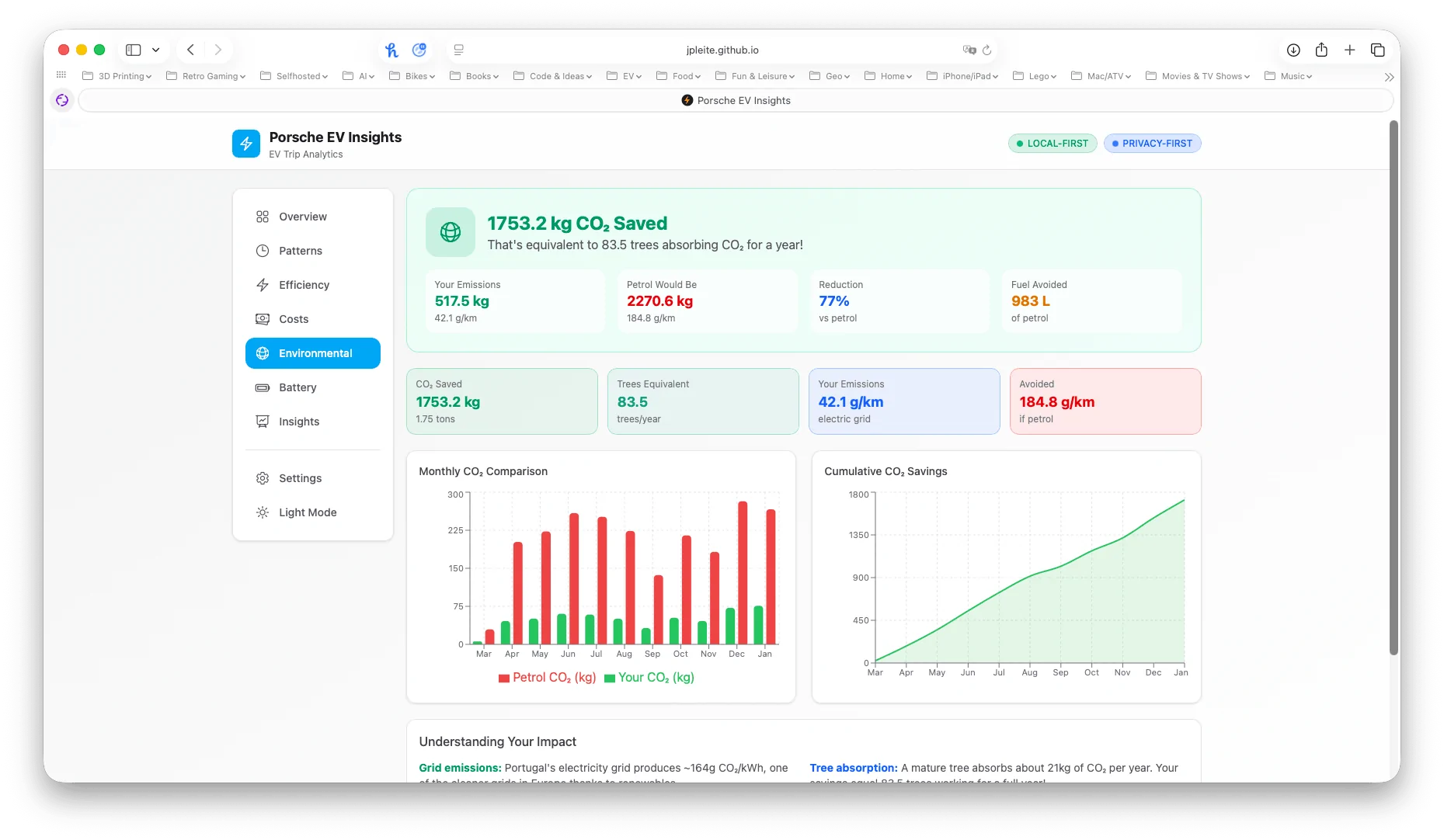
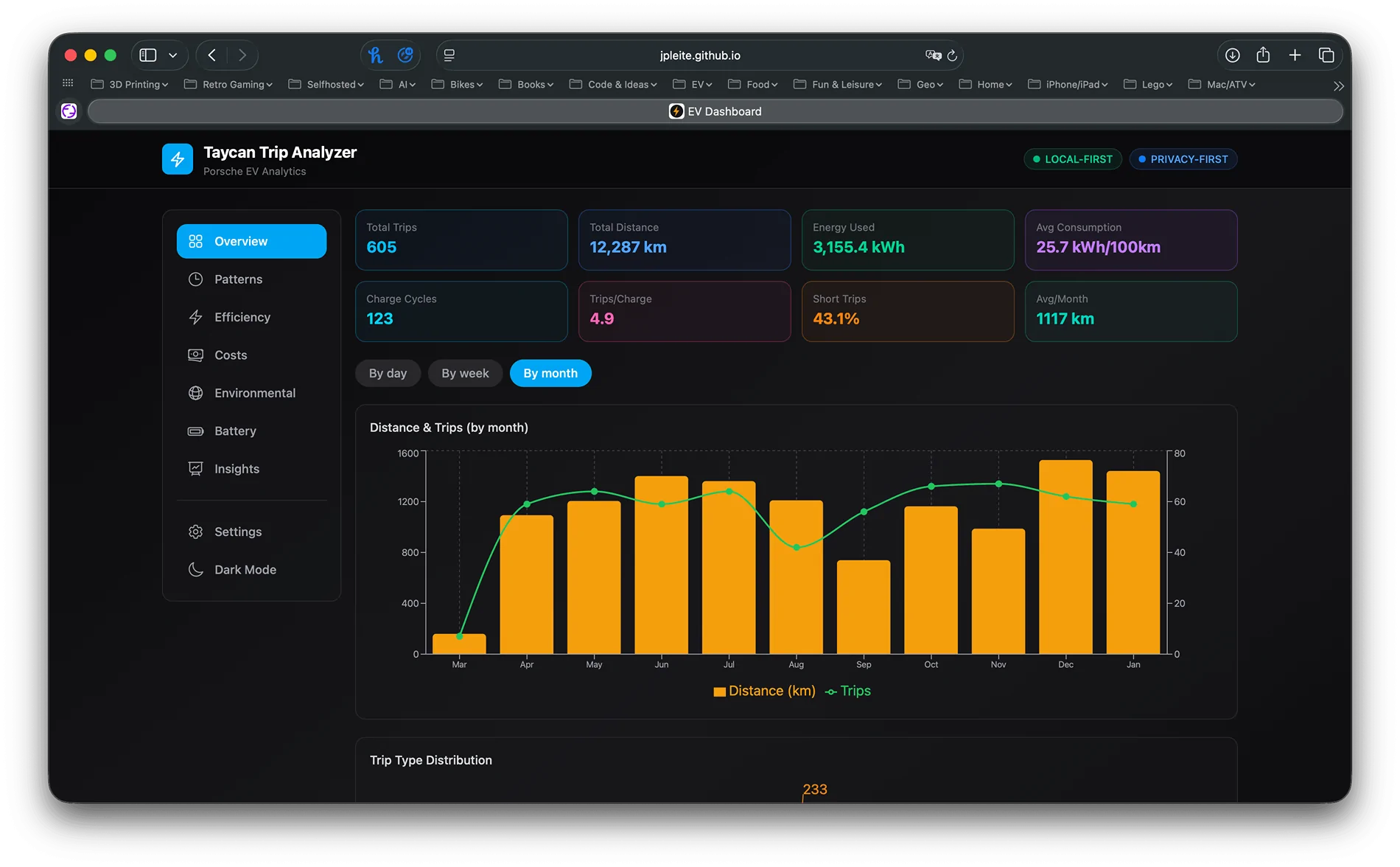
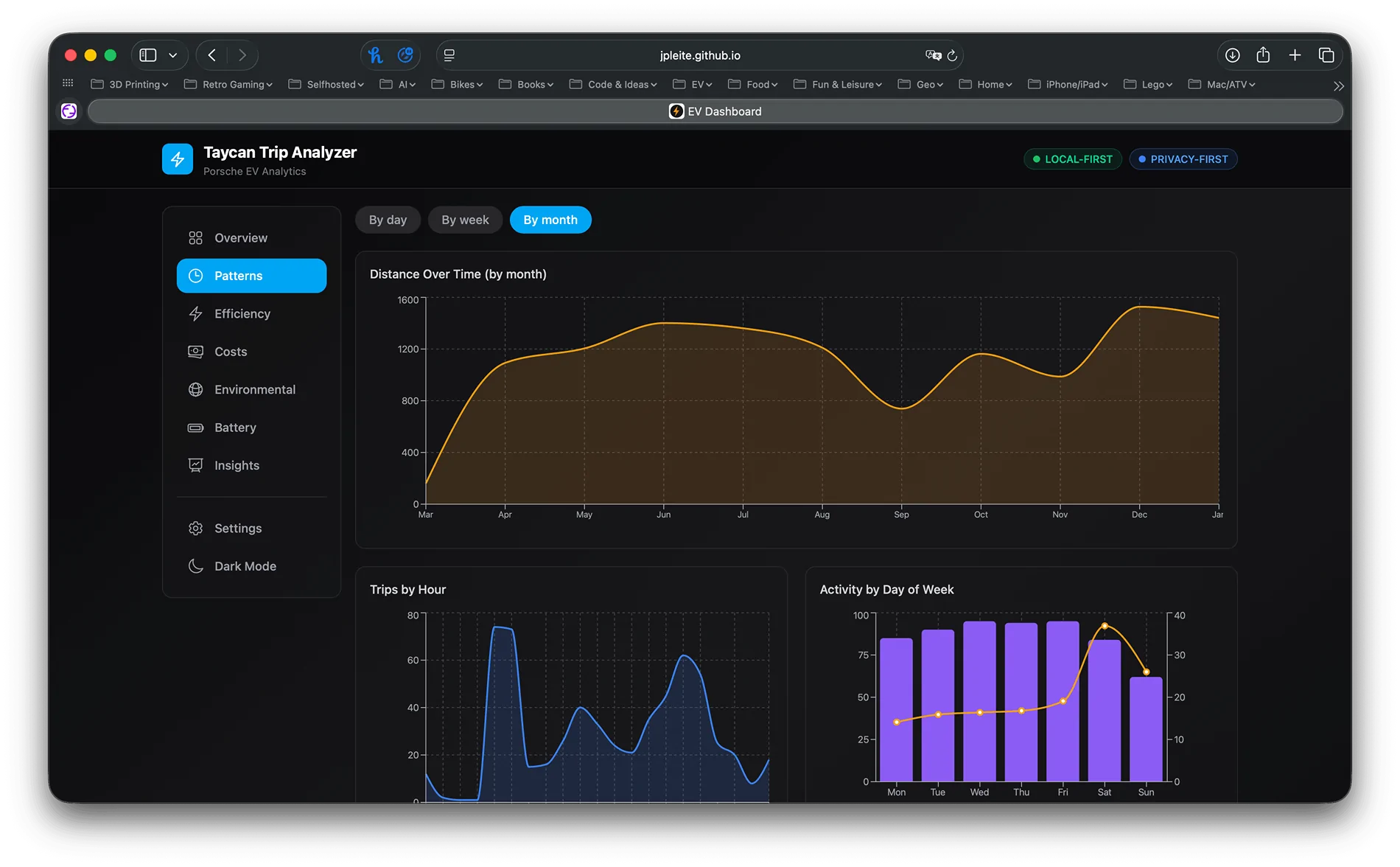
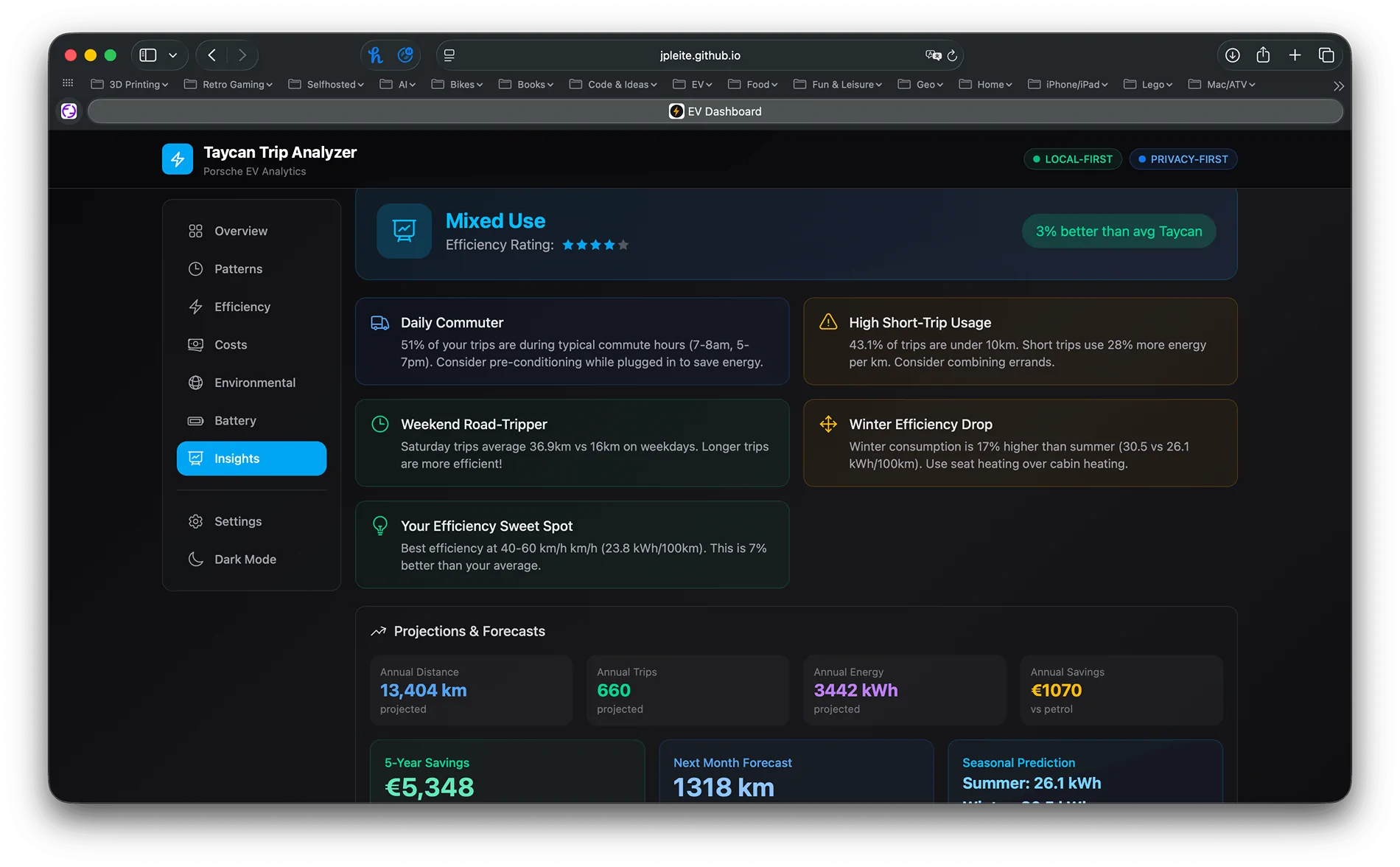
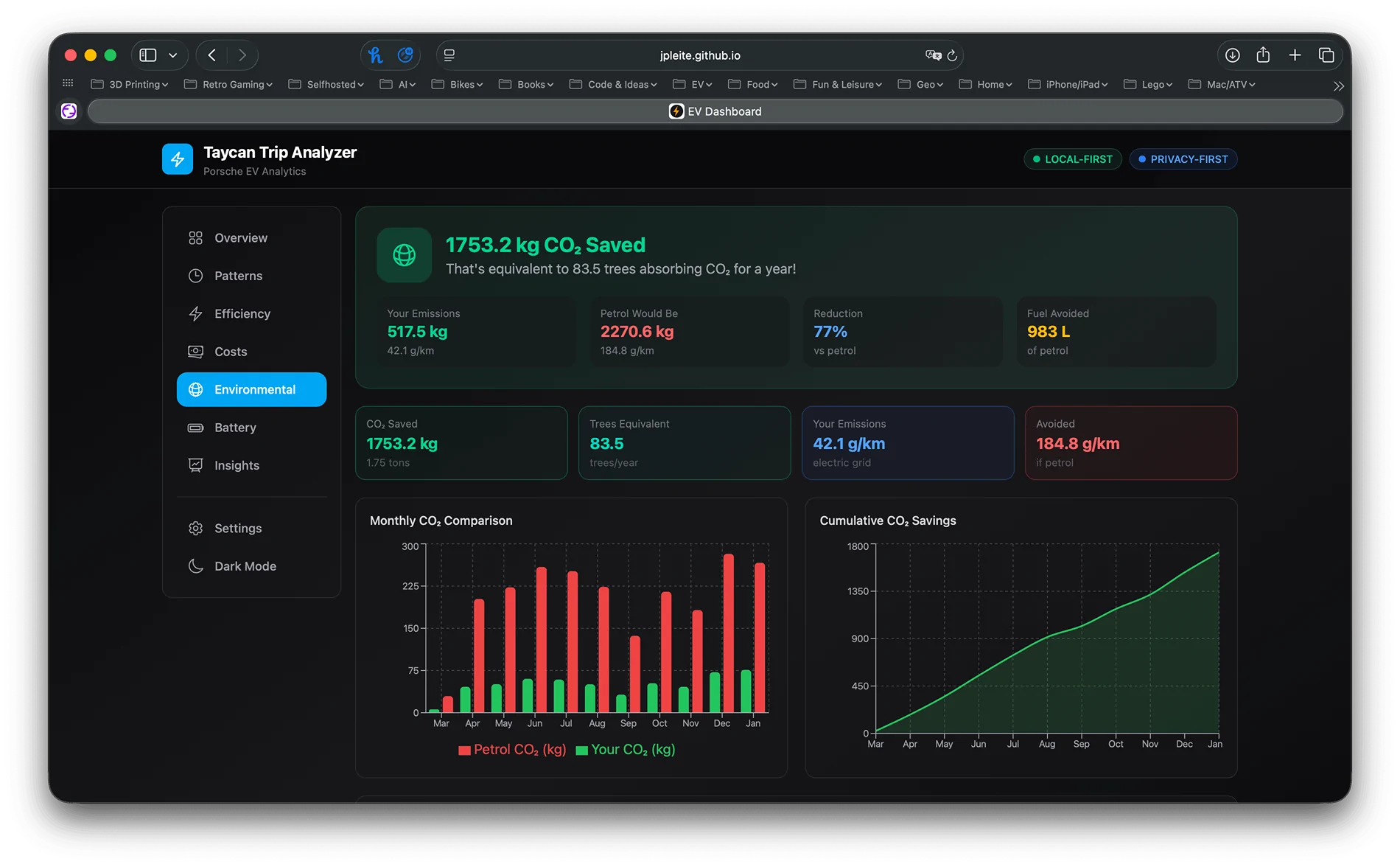
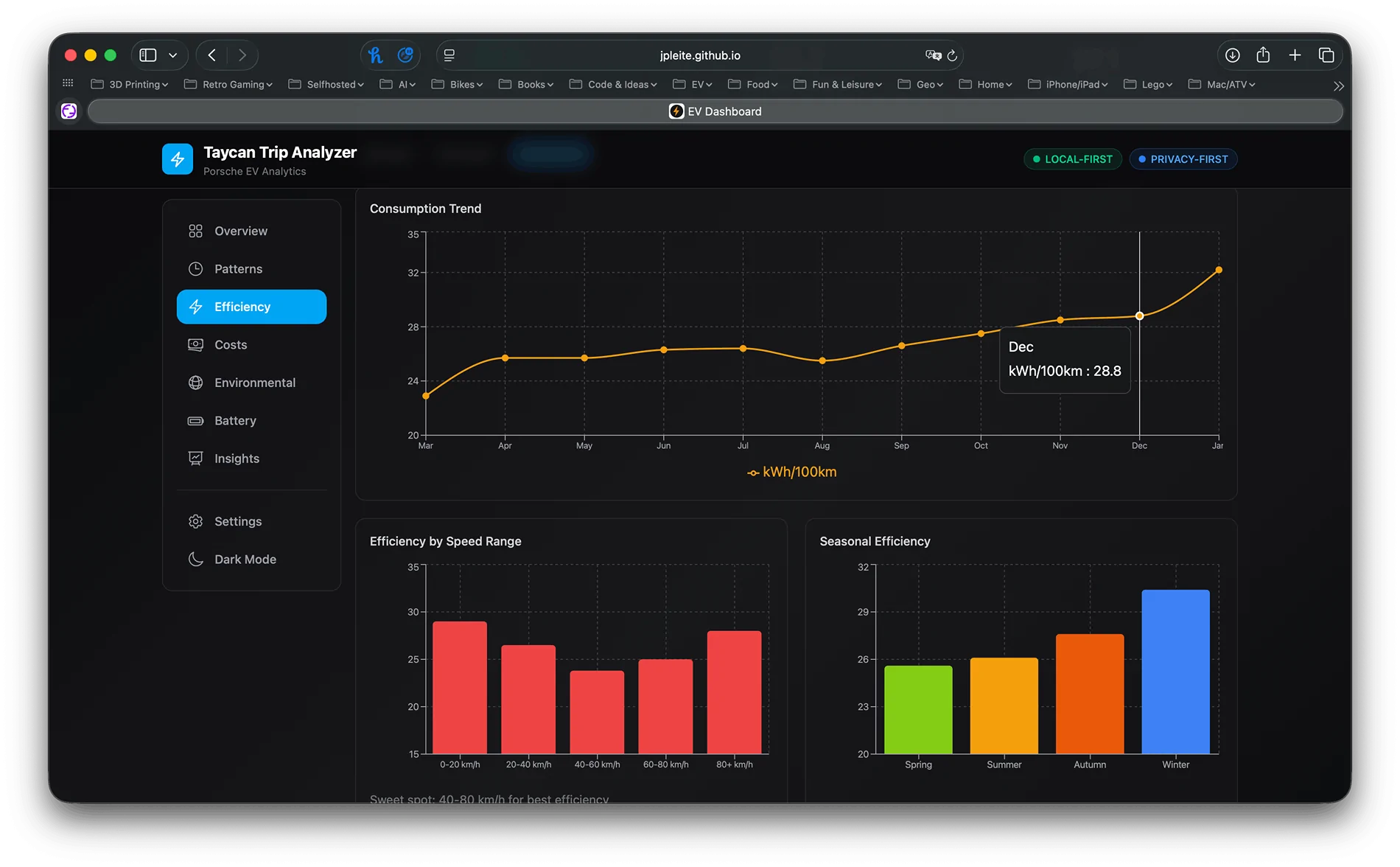
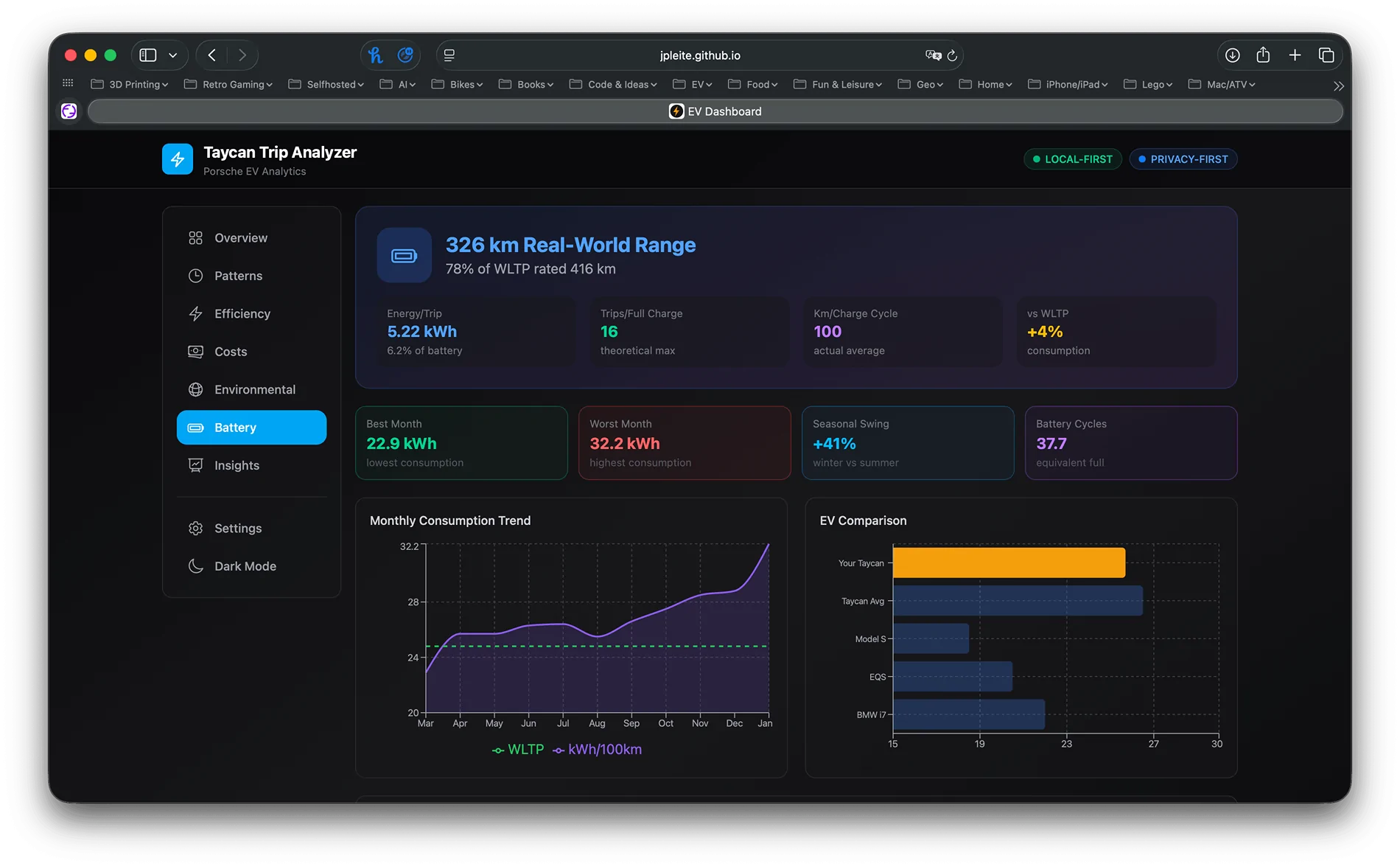
Hey everyone! I created a free web tool that turns your My Porsche app CSV exports into beautiful, actionable insights - and it's 100% private.

🔒 Privacy First Your data never leaves your browser. No servers, no uploads, no tracking. Everything runs locally and works completely offline after the first load.

📊 What You Get
  • Overview dashboard with total distance, consumption, and key metrics
  • Driving patterns analysis (by hour, day, month)
  • Efficiency breakdown by speed ranges
  • Cost calculator with customizable electricity rates
  • Environmental impact (CO2 savings vs combustion vehicles)
  • Battery and charging insights
  • AI-generated observations about your driving habits
🌍 Flexible Settings Supports Metric, Imperial (UK), and Imperial (US) units.

🚀 How to Use
  1. Export your trip data from My Porsche app ("Since start" and "Since charging")
  2. Visit the tool and upload your CSV files
  3. Explore your insights
Live demo: https://jpleite.github.io/porsche_ev_insights/

Electric Macan EV DIY Analytics Dashboard for Macan EV Trip Data {filename}


Electric Macan EV DIY Analytics Dashboard for Macan EV Trip Data {filename}


Electric Macan EV DIY Analytics Dashboard for Macan EV Trip Data {filename}


Electric Macan EV DIY Analytics Dashboard for Macan EV Trip Data {filename}


Electric Macan EV DIY Analytics Dashboard for Macan EV Trip Data {filename}


Electric Macan EV DIY Analytics Dashboard for Macan EV Trip Data {filename}


Electric Macan EV DIY Analytics Dashboard for Macan EV Trip Data {filename}


Electric Macan EV DIY Analytics Dashboard for Macan EV Trip Data {filename}
Sponsored


JonoNZ

Macan Turbo
Well-Known Member
First Name
Jonathan
Joined
Sep 1, 2022
Threads
21
Messages
297
Reaction score
337
Location
Auckland, New Zealand
Vehicles
Porsche Macan Turbo (MY25) BMW iX M60 (MY24), Abarth 500e (MY24)
Country flag
I tried it and it’s actually pretty cool. A lot of data in that file export that Porsche do nothing big with.
 

Flying4Fun

Macan 4S
Active Member
Joined
Nov 22, 2025
Threads
0
Messages
35
Reaction score
22
Location
Canada
Vehicles
Macan EV (2025), Macan ICE (2019), BMW X1 MSport
Country flag
This is a very useful site... I hope they keep up and running.
Honestly, this data should be viewable inside the Porsche app!
I would also love to have an app that can be run online like this, but also one that can be installed in the car too - I know it's a web browser and will try loading it with the built-in browser in the car and see how that looks.

Overall, compliments to the creator of this... Not sure what else I would need. if this can keep years of your data in it would be super useful to me.
 

ahebe

Macan 4
New Member
First Name
Achim
Joined
Nov 17, 2024
Threads
0
Messages
3
Reaction score
0
Location
Germany
Vehicles
Macan 4; beetle convertible; Ducati Multistrada 1200S
Country flag
absolutely fantastic.
Thx for sharing!


MaccyT

Macan Turbo
Well-Known Member
First Name
Maarten
Joined
Nov 24, 2025
Threads
0
Messages
83
Reaction score
143
Location
Netherlands
Vehicles
Macan Turbo / Audi Q3 TFSIe
Country flag
How do I export to CSV from the app?
It only create .png images here?
 

Flying4Fun

Macan 4S
Active Member
Joined
Nov 22, 2025
Threads
0
Messages
35
Reaction score
22
Location
Canada
Vehicles
Macan EV (2025), Macan ICE (2019), BMW X1 MSport
Country flag
How do I export to CSV from the app?
It only create .png images here?
It's not as obvious as you would think... here are the steps:
1) get into the "All trip data" Screen
2) Make sure "Since Start" is selected, denoted by the underline under the words
3) Top Right corner, press the box with an arrow pointing down.
4) Ensure the "since start" is selected (This one is mandatory for this app, you can do this a second time for the "since charging" as thats an optional file
5) Enter the date range in the dialog box, or toggle the "Complete history" to on
6) once you do that, the grayed out box at the bottom of the screen lights up with "download csv"
7) Select the download CSV dialog at bottom of the screen....
8) new IOS share screen loads, at this point, I email it to myself or store it locally (know location) so you can upload to the web app from your computer, or from your phone
9) go into the site, and upload the CSV file you emailed yourself or however you stored it at that point

After I typed all this, it appears the HELP page inside the app provides it also; and more details on what each export file is and how its used:
Exporting Data from My Porsche · jpleite/porsche_ev_insights Wiki · GitHub
 
Last edited:

Petzi

Macan Turbo
Well-Known Member
First Name
peter
Joined
Dec 23, 2024
Threads
14
Messages
573
Reaction score
494
Location
Austria
Vehicles
Macan Turbo EV, porsche 911 limited edition, GMC Sierra Grande1971, Smart Brabus
Country flag
fantastic !
Sponsored


Top